
Skip to content
Every day 08:00–19:00

Products

Software products we build and run ourselves.

MaxiPOS
01 · Our own products

MaxiPOS

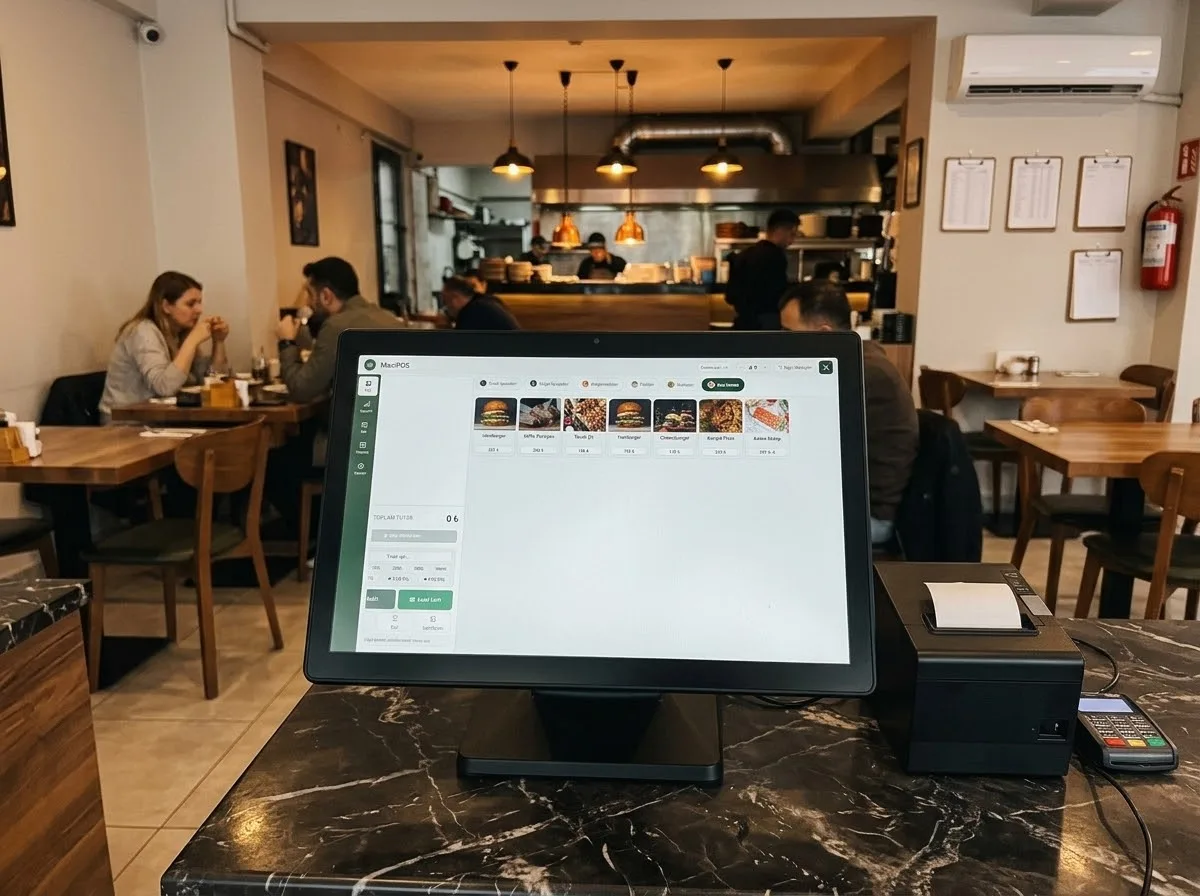
A locally hosted ordering system for restaurants, cafes and bars that brings orders from the waiter's phone to the kitchen and cashier, plus stock and reports, into one place.

Key features

  • Orders, kitchen and payments keep working when the internet is down
  • Data stays in the shop and is backed up automatically
  • Runs in the browser of a phone, tablet or computer; no app to install
  • Cancellations, freebies and discounts can require manager approval; records cannot be deleted
  • Stock is deducted by recipe, with a low-stock warning
  • Revenue, net profit and best-seller reports

How it works

  1. The waiter picks the table on their phone and enters the order with portions, extras and notes.
  2. Food goes to the kitchen screen and printer, drinks go to the bar.
  3. When the kitchen marks an item ready, the waiter's phone gets a notification.
  4. At the till the bill is closed, split by item, amount or per person.
MaxiKuyum
02 · Our own products

MaxiKuyum

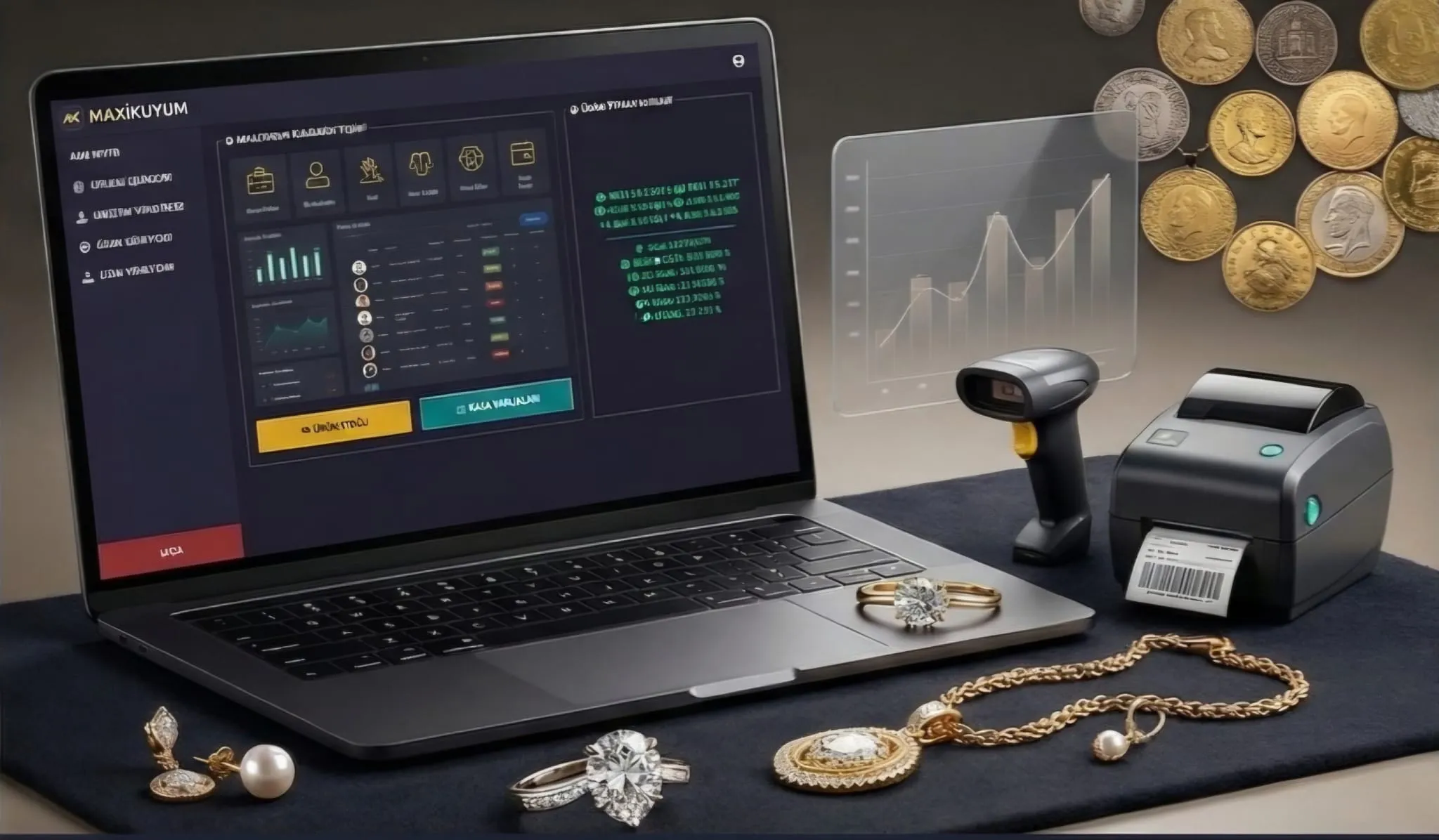
Desktop software for jewellers that runs buying and selling, current accounts, consignment and stock in one program and keeps working when the internet is down.

Key features

  • Sales continue in the shop when the internet is down
  • In multi-till shops a change on one till shows on the others within seconds
  • Pure-gold weight, fineness and labour are calculated automatically
  • Who changed what, when and from which device is recorded; voiding a receipt needs manager rights
  • Thermal receipts, jewellery labels, barcodes and invoices can be printed
  • A rate screen opens in the browser on a tablet or TV

How it works

  1. Installs on a Windows computer with a single installer; the machine is set up as main till or terminal.
  2. On the sales screen you find the customer and handle gold, scrap, jewellery, silver, stock items, cash/currency and accounts from one screen.
  3. Pure-gold equivalent is calculated automatically from grams, fineness and labour.
  4. Payment by cash, card, bank transfer, scrap-gold exchange or on account.
  5. Each till writes to its own database first and syncs with the central one when online.
TakipForm
03 · Our own products

TakipForm

Online job tracking software for businesses that take on work and deliver it in stages, such as workshops, service companies and agencies: jobs are assigned to departments, delays are visible and customer accounts are tracked in the same panel.

Key features

  • Jobs are followed stage by stage on a Kanban board
  • Stages and responsible departments are defined once
  • Delayed jobs and jobs nearing their due date are flagged
  • The price of an approved job is posted to the customer account
  • Every change is recorded with who made it
  • Team messaging and a calendar of deliveries

How it works

  1. A job is recorded with customer, title, quantity, price and due date, then assigned to a department or person.
  2. When the responsible department marks it done, the job moves to the next stage and department.
  3. The job detail shows stage history, attachments and notes together.
  4. When a payment is entered, the customer balance and statement are updated.